

Who can do what
If a button is missing or you see “Only the workspace owner can change billing”, ask your owner. See who that is under Settings › Team.
Choose Software
1
Open billing
As the owner, go to Settings › Billing & usage.
2
Start checkout
Click Choose Software and pay by card.
3
Wait a moment
Your plan updates in about a minute. Your people and campaigns carry over, and sending turns back on.
Read your plan
The top of the page shows where you stand.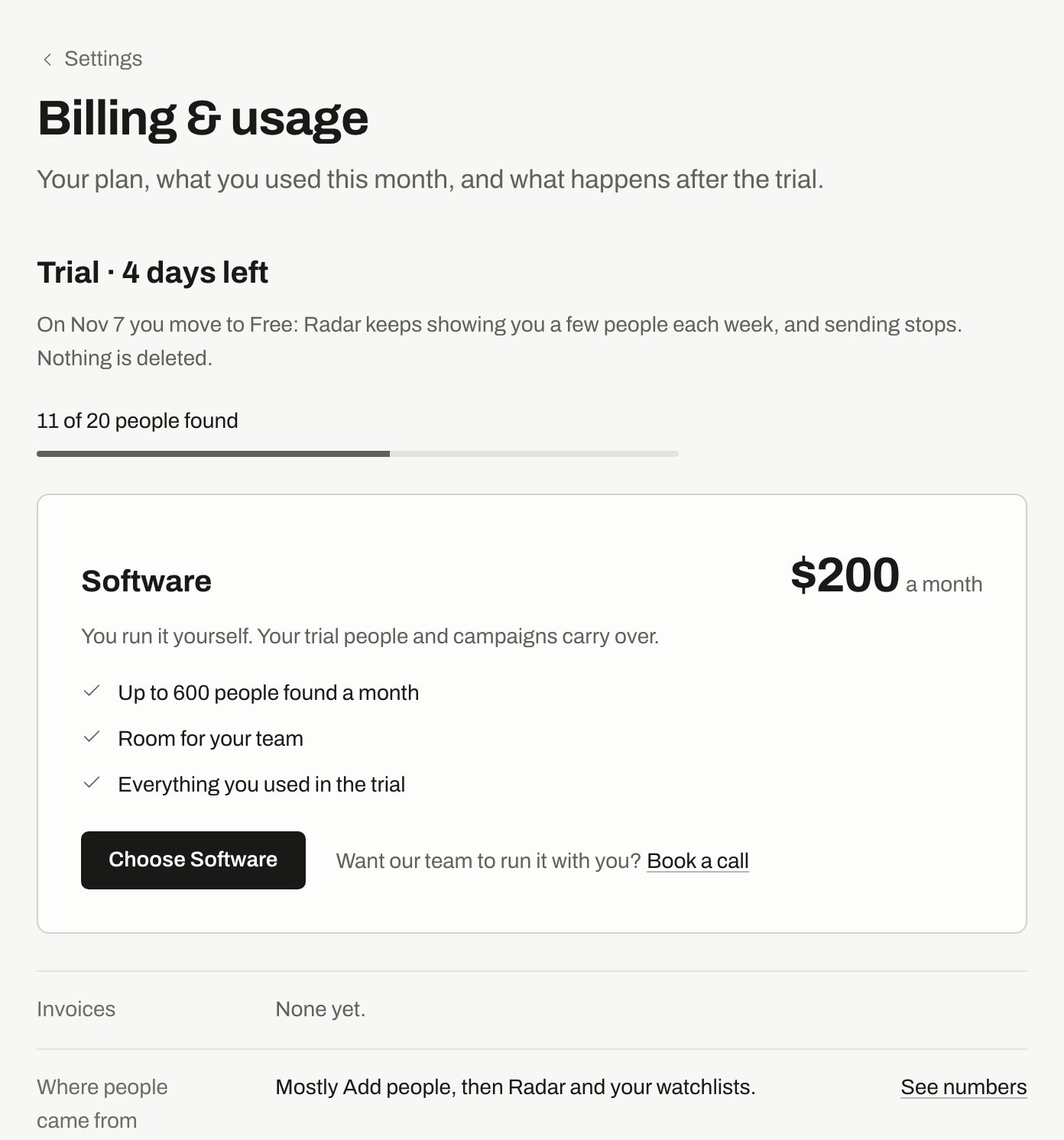
Billing & usage during a trial: days left, people found so far, and the Software plan.
Manage your card and invoices
Click Manage billing to update your card. Your invoices are on the same page, for the owner only. Each row shows the date, amount and status, with View and PDF. Click Show older invoices to go further back.See where people came from
Click See numbers on Where people came from. You see how many people each source found. Add people shows as not counted, because it doesn’t use up your limit.More options
Open More options on the same page.Keep finding people past the limit needs a paid plan with a subscription, and only owners and admins can change it. It isn’t available on Starter.
If you have a legacy plan
Starter and Growth appear with “(legacy)” and keep your current price. To move, owners and admins can click Switch to Software. You keep your people, campaigns and add-ons. The price changes from then on, prorated for the days left in the period.If you have a custom plan
A plan set up for your workspace shows here with its own details. Click Subscribe, and choose Monthly or Annual if both are offered. Any intro price or setup fee is shown before you pay.If you reach your limit
New people pause until the limit resets. Campaigns keep working on people you already have. Add people, CSV imports and lists don’t count toward it. To continue, turn on Keep finding people past the limit or wait for the date shown.Related
Plans
What each plan includes.
Notifications
Billing emails and limit alerts.
Workspace and team
Seats, owners and deleting a workspace.
Troubleshooting
Sending stopped or a button is missing.